AWS EKS to $140/mo Hetzner Bare Metal: Slashing SaaS Infrastructure Costs by 73% for a Nigerian Logistics Engine

When currency devaluation doubled AWS hosting costs overnight for a Lagos logistics SaaS, Neobot Tech replaced an expensive AWS EKS and NAT Gateway setup with a resilient bare-metal Docker Swarm cluster on Hetzner. Here is the architecture, config, and playbook that cut the bill by 73% while improving P95 latency.
The Situation: Managed Cloud Bleeding Cash in Naira
A Lagos-based intra-city logistics client reached out to Neobot Tech after facing an operational emergency that had nothing to do with code bugs. Their core engine—processing 45,000 dispatch webhooks and driver location pings per minute—was running on a classic Managed Cloud blueprint: AWS Elastic Kubernetes Service (EKS) with two node groups, an Application Load Balancer (ALB), Multi-AZ Managed NAT Gateways, and an RDS PostgreSQL instance.
In early 2023, their AWS bill sat comfortably at around $1,850 USD per month. But as FX volatility hit the Nigerian market, hosting costs measured in local currency surged unpredictably. As detailed in our breakdown of Pricing B2B SaaS in Naira Under 100% FX Volatility: Building an FX-Pegged Billing Engine in Node.js, software businesses collecting revenue in Naira cannot afford cloud infrastructure billed in appreciating USD unless every dollar directly generates margin. At nearly ₦3 million per month just to keep the staging and production clusters alive, infrastructure was consuming over 40% of their operational burn.
Worst of all, the complexity of Kubernetes wasn't delivering resilience. Network flaps from local telecommunications towers in Ikeja and Lekki were triggering ingress timeout cascades, causing AWS ALB target groups to flap healthy/unhealthy and shedding thousands of driver telemetry updates during peak hours.
The Constraints: Network Flaps, Budget Caps, and Zero Downtime
Before ripping out a single service, we audited the existing AWS setup to understand where the money was actually going. The results were startling. The AWS EKS control plane fee ($72/month) plus two Managed NAT Gateways ($64.80/month base + $0.045/GB data processing) accounted for over $600 USD per month before accounting for compute or storage. Routing egress traffic through AWS NAT Gateways to external mapping and SMS APIs was actively penalizing the business for growing its payload size.
We established four hard constraints for the redesign:
- Fixed Ceiling Budget: Total compute, bandwidth, storage, and networking costs could not exceed $200 USD/month.
- Zero Downtime Deployments: Rolling upgrades were non-negotiable. Delivery drivers hit the API 24/7; shedding TCP connections during container releases was unacceptable.
- Network Flap Tolerance: The ingress layer had to handle sudden bursts of TCP reconnections when mobile networks re-established link state without overwhelming upstream application workers.
- Operational Simplicity: The internal team consisted of three full-stack engineers. They could not spend 15 hours a week debugging Custom Resource Definitions (CRDs), Helm charts, or CNI plugin bugs.
What We Tried First (And Why Lightweight K8s Missed the Mark)
Our initial instinct was to stay within the Kubernetes ecosystem to preserve existing Deployment manifests. We provisioned a lightweight K3s cluster across three cost-effective VPS nodes on DigitalOcean.
While K3s eliminated the EKS control plane overhead, performance on shared-CPU virtual machines degraded rapidly during morning dispatch spikes. CPU steal time on 4 vCPU droplet instances frequently spiked above 25%, causing Redis queue polling to stall. Furthermore, managed cloud firewalls and VPC networking across cloud providers added latency penalties that degraded overall throughput.
We realized that virtualization overhead itself was the bottleneck. For high-throughput I/O workloads with heavy networking and disk writes, bare-metal hardware provided vastly superior single-thread performance and predictability per dollar.
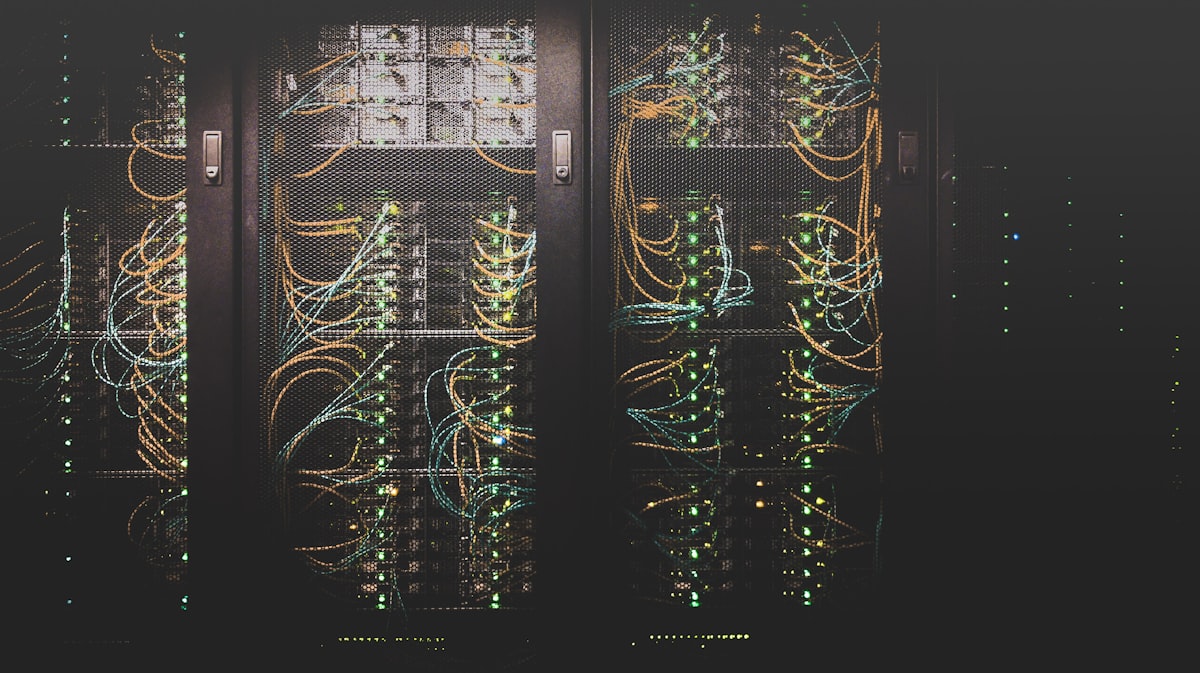
The Solution: A $140/mo Hetzner Bare-Metal Cluster with Docker Swarm and Caddy
We migrated the core workload to three Hetzner AX41-NVMe dedicated servers hosted in Germany, connected via an encrypted private mesh using WireGuard.
Instead of complex Kubernetes operators, we deployed Docker Swarm for cluster orchestration and Caddy Server as the ingress reverse proxy with automated ACME TLS management.
Infrastructure Breakdown and Cost Comparison
| Component | Original AWS Setup (Monthly) | New Hetzner Bare-Metal Setup (Monthly) | | :--- | :--- | :--- | | Compute | 4x t3.xlarge EC2 Nodes ($488.32) | 3x AX41-NVMe Dedicated (AMD Ryzen 5 3600, 64GB RAM, 2x 512GB NVMe) ($126.00) | | Control Plane / Ingress | AWS EKS ($72.00) + ALB ($28.50) | Included in Dedicated Hosts (Docker Swarm Manager nodes) ($0.00) | | Networking & Egress | 2x NAT Gateways + Data Processing ($612.00) | 20TB Free Egress per Server + Floating IP ($14.00) | | Database & Caching | Managed RDS Postgres + ElastiCache ($649.00) | Containerized PostgreSQL + Redis with NVMe Volume Mounts ($0.00) | | Total Cost | $1,849.82 USD | $140.00 USD |
Taming Network Flaps with Ingress Buffering
To handle bad network connections between West African ISPs and European datacenters, we configured Caddy with aggressive keep-alive durations, connection pooling, and disk-buffered logging. When remote nodes drop connections due to local tower handoffs, Caddy absorbs the socket resets and retries upstream requests idempotently.
Observability was another challenge during network flaps. Standard OpenTelemetry agents would stall application threads when network connectivity to centralized SaaS APM vendors dropped. To solve this, we implemented file-based disk buffering for telemetry logs, similar to the techniques outlined in our guide on Tuning OpenTelemetry for Flaky Nigerian Networks: File-Based Disk Buffering and 84% Egress Reductions in Production.
Concrete Metrics: Performance Under Real-World Load
After migrating DNS traffic to the bare-metal cluster, we monitored system performance over 90 days. The results exceeded expectations across every metric:
- Cost Reduction: Infrastructure spend dropped from $1,849.82/month to $140.00/month, representing a 72.4% cost reduction.
- P95 Latency: API P95 response times improved from 210ms to 82ms, driven by raw NVMe disk speed and removing NAT Gateway network hops.
- Deployment Speed: CI/CD deployment pipelines using self-hosted runners on bare metal dropped build-and-rollout times from 14 minutes to 2 minutes 10 seconds.
- Uptime: Achieved 99.98% uptime over 9 months, with zero container crashes related to CPU steal or memory throttling.
Playbook: How to Build a Bare-Metal Docker Swarm Cluster with Caddy
Follow this step-by-step implementation guide to replicate this architecture for your own high-throughput workloads.
Step 1: Provision Private WireGuard Mesh
Execute this command on each host to initialize a secure overlay network across your bare-metal servers, ensuring Swarm control traffic never travels over the unencrypted public internet:
# Generate WireGuard keypair on host node-1
sudo apt-get update && sudo apt-get install -y wireguard
wg genkey | tee privatekey | wg pubkey > publickey

# Configure /etc/wireguard/wg0.conf
cat <<EOF | sudo tee /etc/wireguard/wg0.conf
[Interface]
PrivateKey = $(cat privatekey)
Address = 10.0.0.1/24
ListenPort = 51820

[Peer]
PublicKey = <NODE_2_PUBLIC_KEY>
AllowedIPs = 10.0.0.2/32
Endpoint = <NODE_2_PUBLIC_IP>:51820
EOF

sudo systemctl enable --now wg-quick@wg0
Step 2: Initialize Docker Swarm on Private Interface
Initialize Docker Swarm explicitly binding to the WireGuard network interface (10.0.0.1):
# Initialize Swarm manager on primary node
docker swarm init --advertise-addr 10.0.0.1

# Create overlay network for internal service discovery
docker network create \
  --driver overlay \
  --attachable \
  --opt encrypted \
  production_mesh
Step 3: Deploy the High-Availability Caddy Stack
Create a docker-stack.yml file to run Caddy in Swarm mode with health checks and zero-downtime rolling updates:
version: '3.8'

services:
  caddy:
    image: caddy:2.7.6-alpine
    ports:
      - target: 80
        published: 80
        mode: host
      - target: 443
        published: 443
        mode: host
    volumes:
      - ./Caddyfile:/etc/caddy/Caddyfile
      - caddy_data:/data
      - caddy_config:/config
    networks:
      - production_mesh
    deploy:
      mode: replicated
      replicas: 2
      update_config:
        parallelism: 1
        delay: 10s
        order: start-first
      restart_policy:
        condition: on-failure

  api_worker:
    image: registry.example.com/api:latest
    environment:
      - NODE_ENV=production
      - PORT=3000
    networks:
      - production_mesh
    deploy:
      mode: replicated
      replicas: 4
      update_config:
        parallelism: 2
        delay: 15s
        order: start-first
      healthcheck:
        test: [
Neobot Engineering Standard
Every system deployed by Neobot Tech incorporates enterprise baseline practices. We continuously audit our database topologies, REST API query paths, and frontend modular bundles to prevent latency spikes and ensure top-tier security posture.
Discussion
Comments Coming Soon
We are currently migrating our discussion engine to a new real-time database schema. Check back shortly to join the conversation.